Build modern sites with nothing but markdown
A powerful toolkit to build websites from markdown with Claude Code, Codex, Cursor, Gemini, OpenClaw, etc. No subscription, no lock-in — host your site anywhere.
Great for AI agencies, programmatic SEO, and shipping bulk sites.
Markdown all the way down
Coding agents think in markdown. sitemd sites are just folders of markdown files. Agents write pages and build whole sites with simple markdown edits. Bonus: markdown is easy for humans to read + edit too.
Markdown syntax →CLI commands for every task
Content, config, build, deploy, auth, cloning, docs, and feedback — all through the sitemd CLI. Claude Code, Codex, Cursor, Gemini, OpenClaw, VS Code — any agent works out of the box.
CLI →Skills for every agent
sitemd ships with ready-made skills and manifests for Claude Code, Codex, Cursor, Gemini, and OpenClaw. Any agent picks it up automatically. You're not locked into one coding agent.
Skills →Predictable project structure
pages/ for content. settings/ for configuration. theme/ for customization. Your agent always knows where everything lives. No routing magic, no hidden state.
Automate content
Generate full docs, blog posts, changelogs, and roadmap updates — with quality checks and voice rules using sitemd's write skill.
Clone sites
Use sitemd's clone skill to point your agent at any URL, scrape the content, map nav and images to markdown, and migrate any site in minutes.
Super lightweight sites
Visitors get content instantly. Every page renders as static HTML and CSS. No JavaScript to parse, compile, or execute.
Live build hot reload
Every file save triggers an automatic rebuild in milliseconds. Theme changes compile to CSS on the fly. No manual build step, no restart. Your browser refreshes on every change.
Live build sync →Live browser markdown panel
A markdown editor in your browser. Click any element in the preview to open its source file. Edit on the left, see the rendered result on the right — in real time.
Dev panel →Automatic navigation and search
Global header search and configurable sidebar search work out of the box. Group pages for automatic sidebar menus, header dropdowns, and footer columns.
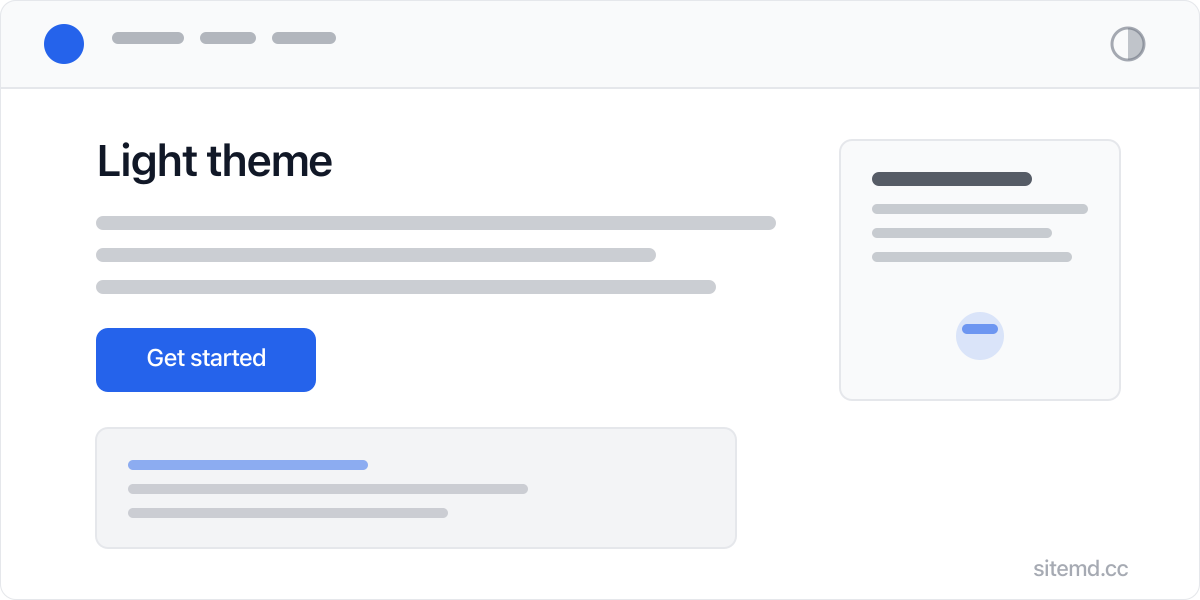
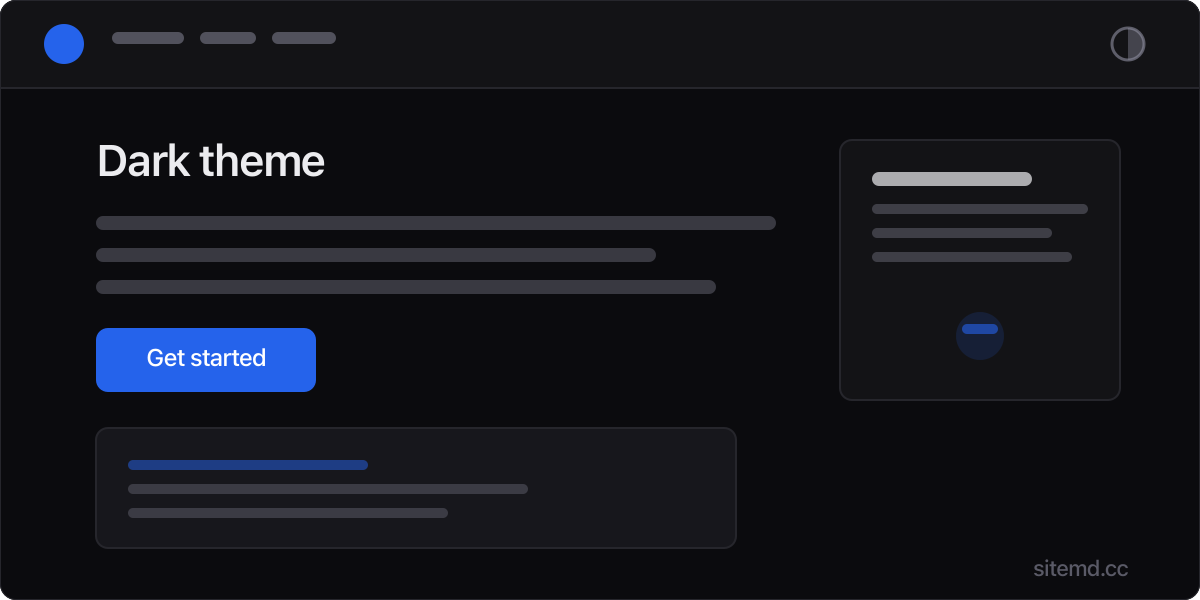
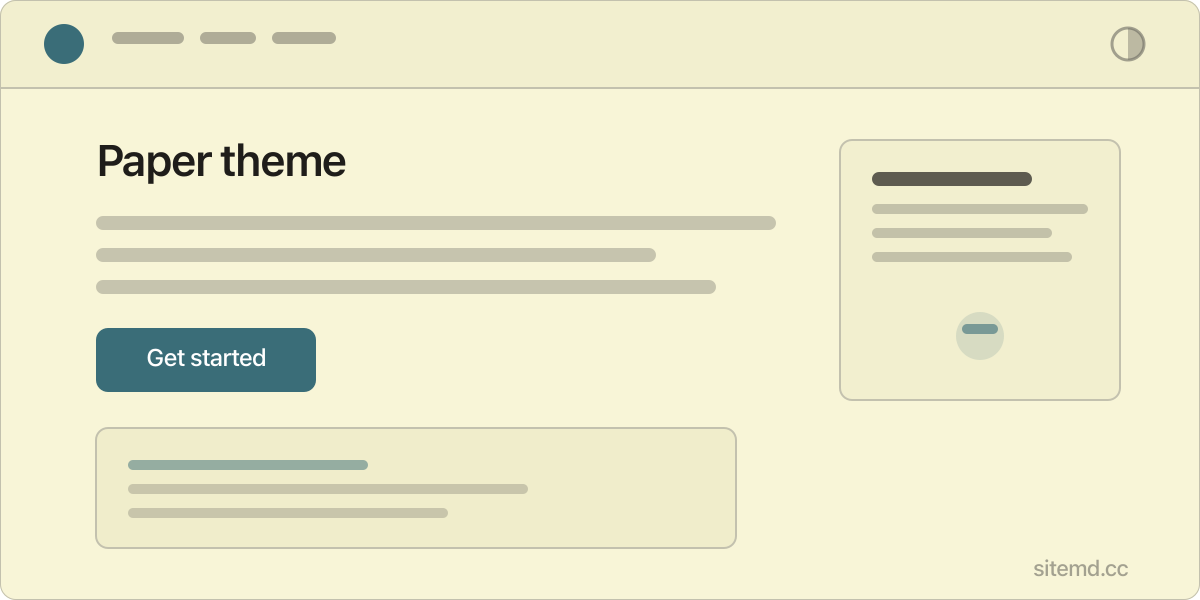
3 clean themes
Light, dark, paper — clean and modern, high contrast, sharp typography.
Give visitors control
Header theme toggle button plus a system mode to respect your visitor's OS preference.
Full CSS customization
Every color, font, and spacing value is a CSS custom property. Change an accent color in settings and it propagates everywhere — buttons, links, highlights, borders.
Themes →Responsive from the start
Every page works on every screen size. Navigation collapses cleanly. Content reflows naturally. Mobile-first by default.
Pages, blog, docs, changelog, roadmap
Enable what you need, skip what you don't. Docs get sidebar navigation and section ordering. Blog gets dates, tags, and auto-generated RSS. Each section is optional and independent.
Pages →SEO + AI visibility
OG tags, canonical URLs, Twitter Cards, JSON-LD structured data — all auto-generated. Sitemap, robots.txt, favicons, llms.txt, per-page markdown endpoints, and auto-generated OG images included.
SEO →Deploy anywhere
One command to Cloudflare Pages, Netlify, Vercel, or GitHub Pages. Or upload to any static host — it's just HTML files.
Deploy →Analytics
Google Analytics, Plausible, Fathom, Umami, Simple Analytics, PostHog, Matomo, and Google Tag Manager. Ad pixel support included. Configure in a settings file.
Analytics →Forms
Multi-page forms with conditional logic, progress indicators, and honeypot anti-spam. Submit to any webhook endpoint.
Forms →User auth + content gating
Add login, signup, and role-based content gating with Supabase, Firebase, Clerk, Auth0, or a custom API. Gate entire pages or inline sections by user type.
User auth →Dynamic data + detail pages
Connect Supabase, Firebase, Airtable, or any REST API. Display live data as cards, lists, tables, or detail pages.
Dynamic data →Cards
Structured layouts with titles, descriptions, images, icons, and links — all from simple markdown syntax.
Cards →Images and galleries
Inline & gallery images with size, crop, filter, and lightbox. Build-time resize, compression, and WebP generation. Responsive tags injected automatically. CDN media hosting with R2 or S3.
Images →Embeds
YouTube, Vimeo, Spotify, CodePen, tweets — paste a URL, get a responsive embed. No configuration.
Embeds →Buttons, tooltips, modals
Styled buttons, hover tooltips, and multi-tab modals — all from markdown. No JavaScript required.
Buttons →Free to try, forever
Install sitemd, build/preview locally — no account required, no time limit. Only upgrade when it's time to deploy.
Host anywhere
sitemd is a local toolkit, not a hosting service. Deploy to any host you want — Cloudflare, Netlify, Vercel, GitHub Pages, or your own server.
Get Started
Try it in your browser
Demo sandbox →Read all about it
Docs →Try it on your machine
Install →Buy it
Purchase →FAQ
Do I have to host my site with sitemd?
No, and you couldn't even if you wanted to. sitemd isn't a website hosting service — it's a website building toolkit you install on your machine. You'll build your site locally, then deploy & host wherever you want.
Can I use sitemd for client sites?
Absolutely. 15% bulk discount when purchasing 50+ site slots at one time.
Is there a free version/trial?
Yes. sitemd can run in free trial mode forever. You can preview all features in trial mode. You only need to pay when it's time to deploy your site.
How many sites do I get?
When you initially upgrade/purchase sitemd for $79, you get 3 starter site slots. If you need more sites, you can purchase additional slots for $19/ea or 50+ at one time for a 15% bulk discount.
What counts as 1 "site"?
Any set of pages (could be 1, could be 100+) that share the same site title, brand name, and deploy URL. We call this your "site identity" and it's how we verify your site's activation status.
Note: subdomains are considered their own unique deploy URL, so if you need to deploy pages to both mydomain.com and sub.mydomain.com, that uses 2 site slots.
Can I reassign my site slots?
No. Activating a site is permanent — it cannot be undone, refunded, or credited.
Do you offer refunds?
No. You can fully preview all sitemd functionality for free for as long as you need before making a purchase decision.
Are future updates included?
Yes. All sitemd updates ship to you automatically.
Still have questions?
Email us at support@sitemd.cc