Markdown Syntax
Every markdown feature, component block, and inline modifier sitemd supports — in one page. Use this as the canonical reference and click through to component-specific docs for deeper coverage.
How does sitemd parse markdown?
sitemd builds on marked.js, a fast CommonMark-compliant parser, with a custom preprocessor that handles sitemd's component blocks before markdown rendering. The pipeline runs in this order:
- Fenced code blocks are extracted and protected so syntax inside them is never preprocessed
- Component blocks (
button:,card:,embed:,gallery:,form:,modal:, etc.) are converted to HTML - Layout fences (
center:,hidden:,gated:,mobile:,desktop:) are wrapped in styled<div>s - Standard markdown is rendered through marked with a custom heading and link renderer
- Code blocks are restored, and literal
<br>becomes a<br>
This means you can mix markdown, HTML, and sitemd components in the same file without escaping anything inside code blocks.
What standard markdown is supported?
All CommonMark features work, plus GitHub-flavored extensions for tables and strikethrough.
# Heading 1
## Heading 2
### Heading 3
**bold**, *italic*, ~~strikethrough~~, `inline code`
- Unordered list item
- Another item
- Nested item
1. Ordered list item
2. Second item
> A blockquote with **inline formatting**.
[A link](/docs/getting-started)
---
| Column | Column |
|---|---|
| Cell | Cell |
Fenced code blocks support language hints for syntax highlighting:
```js
function build() {
  return 'website';
}
```
Escape any special character with a backslash: \*not bold\* renders literally. Raw HTML tags pass through untouched, so <details>, <span>, <kbd>, and any other element work inline. See Inline HTML for details.
What frontmatter fields are recognized?
Every page starts with YAML frontmatter between --- delimiters. Lines starting with # are treated as comments, which is how the auto-injected syntax reference at the top of every page file works.
---
title: My Page
titleSuffix: " | sitemd"
tabTitle: My Page
tabTitleSuffix: " | sitemd"
description: A short summary under 160 characters.
slug: /my-page
sidebarGroupShown: docs
groupMember:
  - docs
updated: 2026-04-08
---
| Field | Purpose |
|---|---|
title |
Heading shown on the page and in search results |
titleSuffix |
Appended to title in <title> tags |
tabTitle |
Optional override for the browser tab title |
tabTitleSuffix |
Appended to tabTitle |
description |
Meta description, under 160 characters |
slug |
URL path (/, /about, /docs/my-page) |
date |
Publication date (used by blog posts and feeds) |
updated |
Last update date — a freshness signal for search engines and AI |
layout |
Optional layout variant |
ogImage |
Custom Open Graph image URL |
groupMember |
Array of group names this page belongs to |
sidebarGroupShown |
Which group's sidebar to display on this page |
sidebar |
Per-page sidebar override (self, none, or a custom item list) |
See Pages & Content for the full authoring reference.
How do headings and anchors work?
Every heading automatically gets a URL-friendly id derived from its text. ## Getting Started becomes id="getting-started", and duplicate IDs within the same page get a numeric suffix (-2, -3).
The first # H1 in a page renders as a true <h1>. Every subsequent # H1 renders as <h2 class="h1-style"> — visually identical but SEO-correct (one H1 per page).
Add an inline anchor anywhere with {#id} on its own line:
{#pricing}

## Plans
Link to anchors with the standard markdown syntax:
[Jump to pricing](#pricing)
[See the themes docs](/docs/themes#custom-colors)
See Headings for the full reference.
How do I add links and buttons?
Inline links use standard markdown. External URLs (https://...) automatically open in a new tab. Override that with +newtab or +sametab appended directly to the URL:
[A normal link](/docs/getting-started)
[Force new tab](/docs/headings+newtab)
[Force same tab](https://example.com+sametab)
Open a modal from any link by pointing at #modal:id:
[Open the pricing modal](#modal:pricing)
For block-level call-to-action buttons, prefix any line with button: followed by a label and target. Consecutive button: lines auto-group into a row:
button: Get Started: /docs/getting-started
button: View on GitHub: https://github.com/sitemd-cc/sitemd
button: Pricing: /pricing +outline
Button modifiers chain freely:
| Modifier | Effect |
|---|---|
+outline |
Outline style instead of filled |
+big |
Larger padding and font size |
+color:#hex |
Custom accent color (+color:red or +color:#3366ff) |
+icon:name |
Lucide icon centered above the label |
+icon-left:name |
Icon to the left of the label |
+icon-right:name |
Icon to the right of the label |
+newtab / +sametab |
Force tab behavior |
Target none |
No link, pointer cursor preserved |
Target silent |
No link, pointer cursor hidden |
The same button: prefix works in settings/header.md, settings/footer.md, and settings/groups.md. See Buttons & Links for the full reference.
How do I add images and media?
Standard markdown images work as-is. Append space-separated +modifier flags inside the URL parentheses to resize, crop, filter, or expand them:


| Modifier | Effect |
|---|---|
+width:N |
Max width in pixels |
+height:N |
Forced height in pixels (object-fit cover) |
+crop:WxH |
Fixed crop dimensions in pixels |
+rotate:1 / :2 / :3 |
Rotate 90° / 180° / 270° |
+corner:none / :subtle / :curve |
Border radius preset |
+circle |
1:1 aspect ratio with border-radius:50% |
+square |
1:1 aspect ratio |
+rect |
3:2 aspect ratio |
+bw |
Grayscale filter |
+sepia |
Sepia filter |
+expand |
Open fullscreen lightbox on click |
+noexpand |
Disable lightbox (overrides gallery defaults) |
Self-hosted video files (.mp4, .webm, .ogv, .mov, .m4v) automatically render as <video> instead of <img>. Video-only modifiers: +autoplay (implies muted + loop + playsinline), +muted, +loop, +nocontrols, +poster:url.
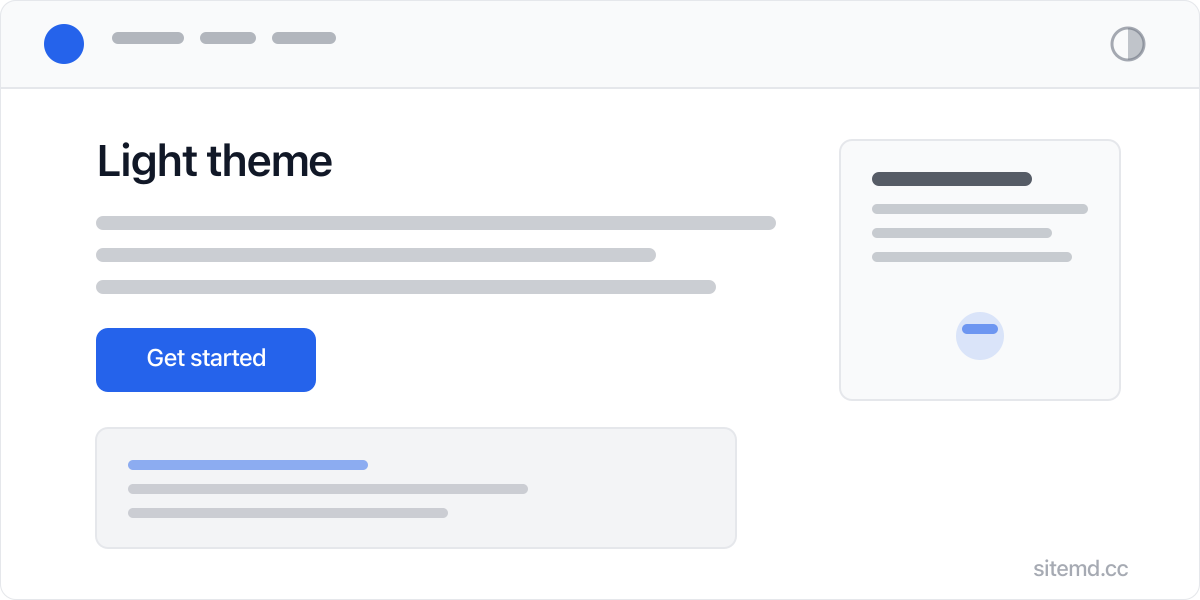
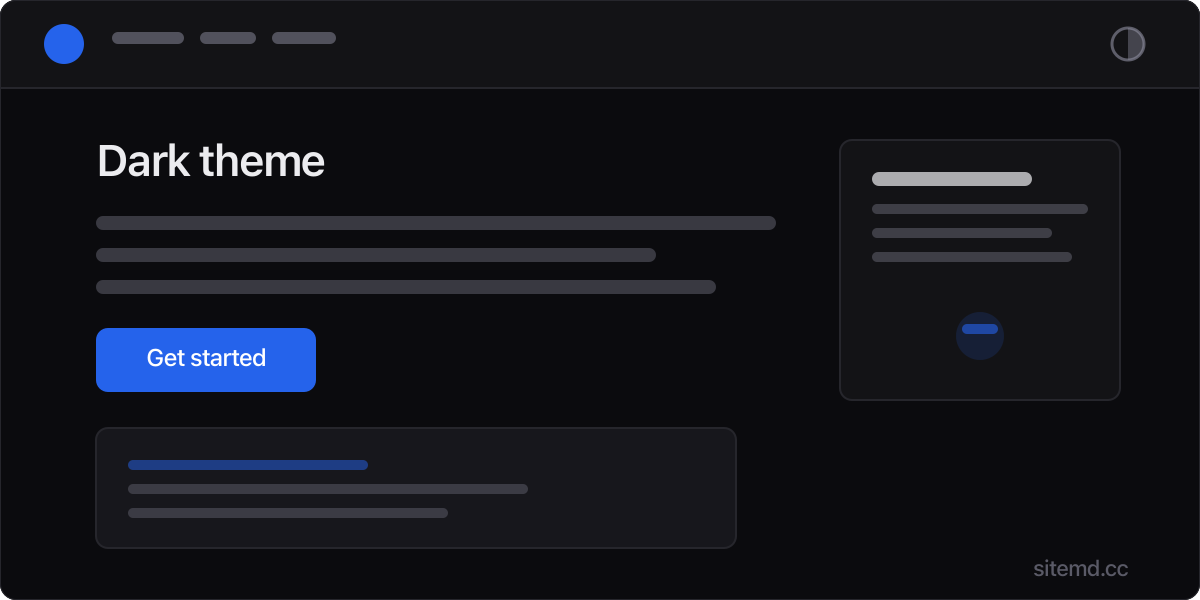
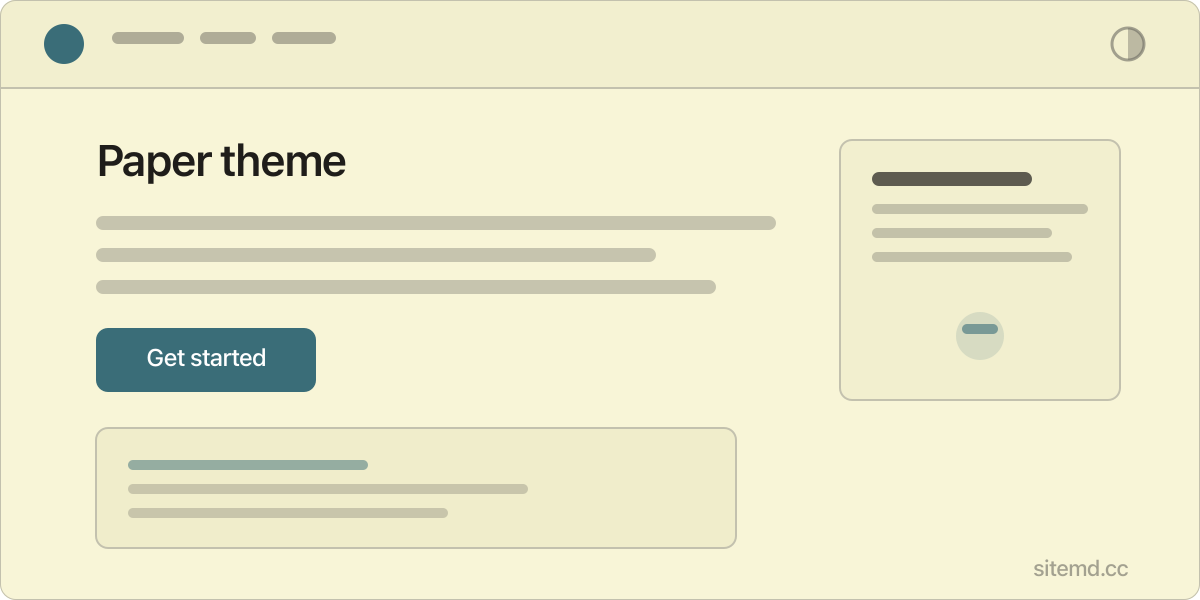
Group images side-by-side with image-row:, or grid them with gallery::
image-row:
gallery:

gallery: accepts flags before the colon: gallery +noexpand +corner:curve: disables the lightbox and rounds corners.
Embed third-party content with embed: followed by a URL on its own line. sitemd auto-detects YouTube, Vimeo, X/Twitter, Reddit, Instagram, LinkedIn, TikTok, Spotify, and CodePen. Any other URL gets a generic iframe fallback.
embed: https://www.youtube.com/watch?v=dQw4w9WgXcQ
embed: https://x.com/sitemdcc/status/1234567890
embed: https://open.spotify.com/track/4cOdK2wGLETKBW3PvgPWqT
See Images and Embeds for the full references.
What rich components are available?
Each component has its own deep-dive doc. The summary table lists the minimum syntax for each:
| Component | Minimal syntax | Deep dive |
|---|---|---|
| Cards | card: Title + card-text: / card-image: / card-icon: / card-link: |
Cards |
| Author cards | author: Name + author-image: / author-role: / author-bio: / author-link: |
Author Cards |
| Modals | modal: id with indented content (or tab: Name for tabbed modals) |
Tooltips & Modals |
| Tooltips | <span class="tooltip" tabindex="0" aria-describedby="tt-1"><span class="tooltip-trigger">trigger text</span><span class="tooltip-content" role="tooltip" id="tt-1">tooltip content</span></span> inline |
Tooltips & Modals |
| Forms | form: followed by indented YAML (webhook, fields, pages) |
Forms |
| Dynamic data | data: source + data-display: (cards / list / table / detail) |
Dynamic Data |
A card example to anchor the pattern:
card: Zero Config
card-text: Write markdown, get a website.
card-icon: zap
card-link: Get Started: /docs/getting-started

card: Deploy Anywhere
card-text: Cloudflare, GitHub Pages, Vercel, Netlify — or any static host.
card-icon: rocket
card-link: See Deploy: /docs/deploy
Consecutive card: blocks auto-group into a responsive grid. The same auto-grouping rule applies to button: and author: blocks.
How do I align, hide, or gate content?
Layout fences open with name: on its own line and close with /name. The content between is wrapped in a styled container.
center:
# A Centered Heading
button: Centered CTA: /docs/getting-started
/center

right:
A right-aligned paragraph.
/right

hidden:
# SEO Title for Search Engines
/hidden

mobile:
This block only appears on small screens.
/mobile

desktop:
This block only appears on larger screens.
/desktop

gated: subscriber, member
This paragraph only renders for logged-in subscribers or members.
/gated
| Fence | Effect | Doc |
|---|---|---|
center: / right: / left: |
Wraps content in <div class="align-*"> and aligns text, headings, buttons, and images |
Content Alignment |
hidden: |
Wraps in <div class="sr-only"> — invisible to sighted visitors but indexed by search engines |
Hidden Content |
mobile: / desktop: |
Wraps in <div class="device-only device-*"> for device-specific visibility |
— |
gated: type1, type2 |
Wraps in a hidden <div data-gated> revealed only to matching user types at runtime |
User Auth |
What other inline syntax exists?
A few smaller pieces don't fit anywhere else:
{#section-id}
A line that becomes <div id="section-id"></div> for anchor linking.

[hover this]{tooltip definition shown on hover or focus}

A line with a hard<br>line break in the middle.
| Syntax | Purpose |
|---|---|
{#id} on its own line |
Inline anchor for cross-page or in-page linking |
<span class="tooltip" tabindex="0" aria-describedby="tt-2"><span class="tooltip-trigger">text</span><span class="tooltip-content" role="tooltip" id="tt-2">content</span></span> |
Inline tooltip — works inside any sentence |
<br> (literal backslash + n) |
Hard line break, becomes <br> |
| Raw HTML tags | Pass through untouched — see Inline HTML |
Quick reference
Everything in one table for fast lookup:
| Category | Syntax | Notes |
|---|---|---|
| Bold | **text** |
— |
| Italic | *text* |
— |
| Strikethrough | ~~text~~ |
— |
| Inline code | `text` |
— |
| Heading | # H1 through ###### H6 |
First H1 stays, rest become styled H2 |
| Link | [text](url) |
External opens in new tab by default |
| Link tab override | [text](url+newtab) / +sametab |
— |
| Modal trigger | [text](#modal:id) |
Opens the named modal |
| Inline anchor | {#id} on its own line |
— |
| Tooltip | <span class="tooltip" tabindex="0" aria-describedby="tt-3"><span class="tooltip-trigger">text</span><span class="tooltip-content" role="tooltip" id="tt-3">content</span></span> |
— |
| Hard line break | <br> (literal) |
— |
| Image |  |
— |
| Image modifiers | <a class="img-expand" data-lightbox href="/url +width:N"><img src="/url +width:N" alt="alt" loading="lazy" style="border-radius:50%;aspect-ratio:1;object-fit:cover;filter:grayscale(1)"></a> |
See full table above |
| Self-hosted video | <video src="/media/sitemd-launch-demo-16x9.mp4" autoplay muted loop playsinline controls preload="metadata" aria-label="alt"></video> |
.mp4, .webm, .ogv, .mov, .m4v |
| Image row | image-row: + indented  lines |
Equal-height row |
| Gallery | gallery: + indented  lines |
Grid + lightbox |
| Embed | embed: URL |
YouTube, Vimeo, X, Reddit, Instagram, LinkedIn, TikTok, Spotify, CodePen, fallback iframe |
| Button | button: Label: /url |
Auto-groups consecutive lines into a row |
| Button modifiers | +outline +big +color: +icon: +icon-left: +icon-right: |
— |
| Card | card: Title + card-text: / card-image: / card-icon: / card-link: |
Auto-groups into a grid |
| Author card | author: Name + author-image: / author-role: / author-bio: / author-link: |
Auto-groups |
| Modal | modal: id + indented content |
tab: Name lines create tabs |
| Form | form: + indented YAML |
webhook, fields, pages |
| Data | data: source + data-display: + data-*: |
cards, list, table, detail |
| Center / right / left | center: ... /center |
— |
| Hidden | hidden: ... /hidden |
Screen-reader only |
| Mobile / desktop | mobile: ... /mobile |
Device-specific |
| Gated | gated: type1, type2 ... /gated |
Auth-required |
| Code block | Triple backticks plus language hint | Enables syntax highlighting |
| Table | | col | col | + |---|---| |
GFM tables |
| Blockquote | > text |
— |
| List | - item or 1. item |
Indent for nesting |
| Horizontal rule | --- |
Also the frontmatter delimiter |
| Raw HTML | <details>, <span>, etc. |
Pass-through |
Related
- Markdown — what markdown is and why AI agents prefer it
- Pages & Content — page authoring, file organization, and frontmatter
- Headings — heading levels, anchor IDs, and the multiple-H1 rule
- Agent Onboarding — how the auto-injected syntax reference teaches AI agents this surface area